


We’ve talked about this on the blog before… as a small business owner, our time is PRECIOUS! As a small business owner who also works a full-time day job, my time is extra precious!! I realized very early on that I needed to not only be organized in my notes & client to-dos, but I also needed to be organized in my workflow.
I wanted to be able to look at ALL my clients, in one organized format. I wanted to see who still needed a timeline draft, who I needed to book a venue visit with & who I needed to mail a “thank you” out to… at one time! Luckily, I have an amazing Mama who’s pretty savvy in Excel (I wish I was!).

She created 3 different workflow charts for me – Wedding Weekend, Partial Planning + Design and Full Planning + Design. So, for example, I am able to list all of my clients who have booked my Partial Planning + Design package, and check off things as they get done.
I wanted ONE workflow chart for every package (so THREE total). I didn’t want to have one for each client… I wanted to see ALL my clients on one page.
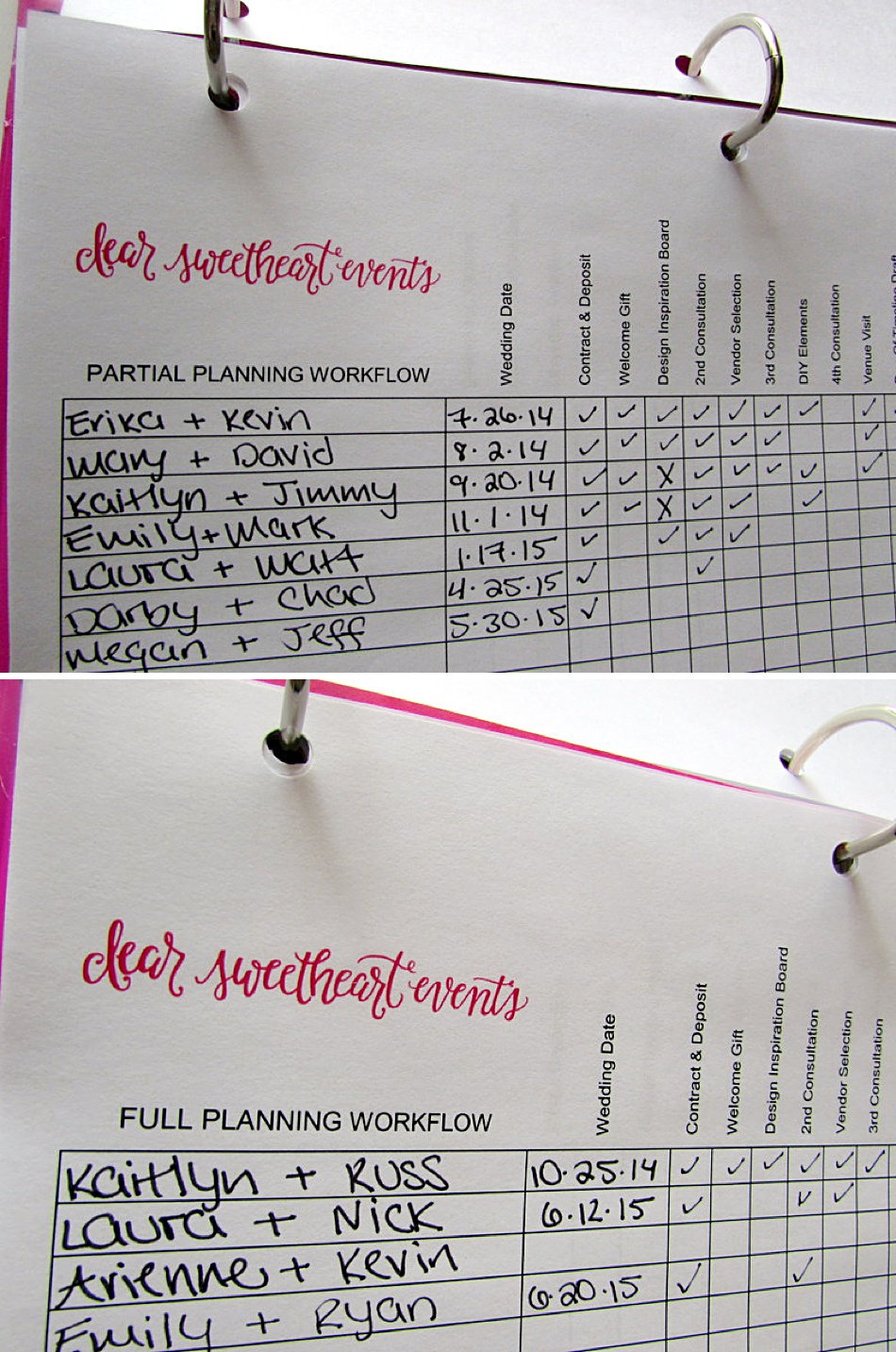
I left blanks on Wedding Weekend & Partial Planning + Design, since those packages tend to be customized a lot. This way I can add things to the workflow list, without having to re-print it every time.
(Right now, I have 2014 AND 2015 brides on the same workflow. I’m playing trial-and-error to see if I like it like this, or if I want one workflow chart per package per year. Currently, I like the idea of having 3 Workflow Sheets with years combined, instead of having 6 total with each year having their own. But I’ll have to do another post in a few months if I change my mind!)
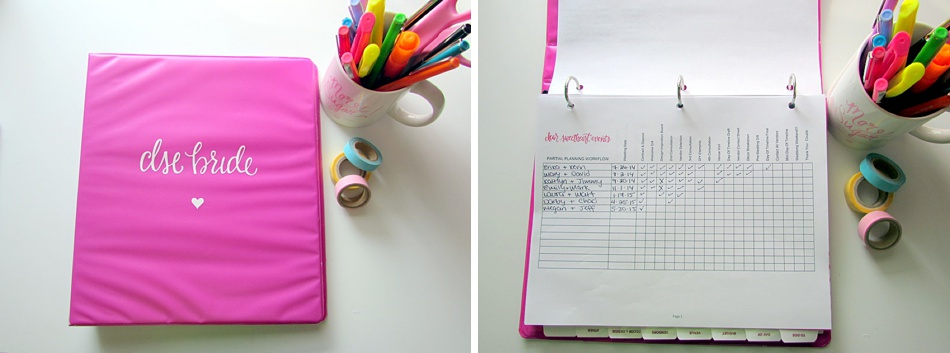
I have these three-hole-punched in my DSE binder. I frequently check to make sure I am updating them as I move along in planning process, and it’s been really helpful!! Now I have one place to look to see what’s next for every bride vs. digging through mounds of paper trying to figure out who-still-needs-what!
Business owners, how do you manage your workflow? Do you have a chart similar to this?
xo! kat







This is great — I currently use a calender and fill in the blanks, but I’m not sure I love it. I might just give this a try 😉
This is fantastic! Thanks for the post! I was needing something to but couldn’t figure out the best way! I will definately try this!
your mama seems like an awesome lady!
i love this! i need to blog my workflow system! i just started a few months ago with a binder system and it’s my favorite so far!
This came at the perfect time for me! I’ve been looking for ways to manage workflow for my branding clients, and this will be great. Thanks so much for sharing, Kat!
So thankful for you sharing this! Like Shelby, I’ve been filling in things on my calendar and then I have a separate checklist for each one. Not very efficient. I can’t quickly just look at everyone. Way to go Mama!
So excited to see two of our brides’ names on there! Can’t wait to work together soon!
This is fabulous! I’m new to being a small business owner and I’m trying to get organized. Is this something you would consider sharing the file of? I would love to customize it to fit my specific organizing needs if you wouldnt mind. 🙂
Thank you so much for this! I am in the process of creating a real workflow and this really helped!
This is perfect timing! With wedding season coming up soon this will be incredibly helpful! Thanks!